More control.
Less missing out.
Rewind a moment you missed. Plan a recording. Get a nudge before a show starts. Bring your own media into the picture, all in a player built around the way you watch.
Timeslip
Missed the last line? Step back through up to 30 seconds of recently watched live TV, then return to live when you’re ready.
- Rewind the recent live buffer.
- Pause for longer when your configured storage and limits allow.
- Fast-forward through buffered video or jump back to live.
The recent buffer starts fresh when you change channels. Extended pause is limited by available storage and your settings. It is not unlimited cloud recording. Timeslip requires a supported live stream.
Scheduled recordings
Choose a future program in the guide and schedule it to record to your selected DVR folder.
- Two minutes early, two minutes late by default for new guide-scheduled recordings.
- Adjust the start and end margins independently, up to five minutes each.
- Use recording-size limits and storage warnings to help manage space.
Currently supports direct MPEG-TS live streams, not every format a provider may offer. Recording needs an available device, a working connection, required Android permissions, and writable storage. It cannot recover content from before recording started.
Reminders & episode alerts
Let Cutter help you keep track of what you want to watch.
- Set Remind Me on a future guide program for an in-app alert one minute before its scheduled start.
- Choose Go There Now to tune to the channel, or dismiss the reminder.
- Follow a supported series and get an in-app alert when a provider check finds newly added episodes.
Program timing comes from your guide. Episode alerts depend on supported provider catalogs and successful background checks; they are not instant broadcast alerts and are not available for every M3U or DLNA library.
DLNA & My Media
Browse your own media through a compatible DLNA server on your local network, alongside your IPTV sources.
- Choose the folders you want to bring in.
- Identify them as Movies, TV Shows, or Misc Content instead of treating every file as a movie.
- Search and sort your library, then play supported media with familiar playback controls.
DLNA requires a reachable media server that shares your files. A network or USB drive alone is not automatically a DLNA server. Artwork, metadata, seeking, and resume depend on the server and media available.
The everyday details matter, too.
A familiar guide is only the beginning. Cutter brings organization and useful controls into the same viewing experience.
A guide that feels like TV
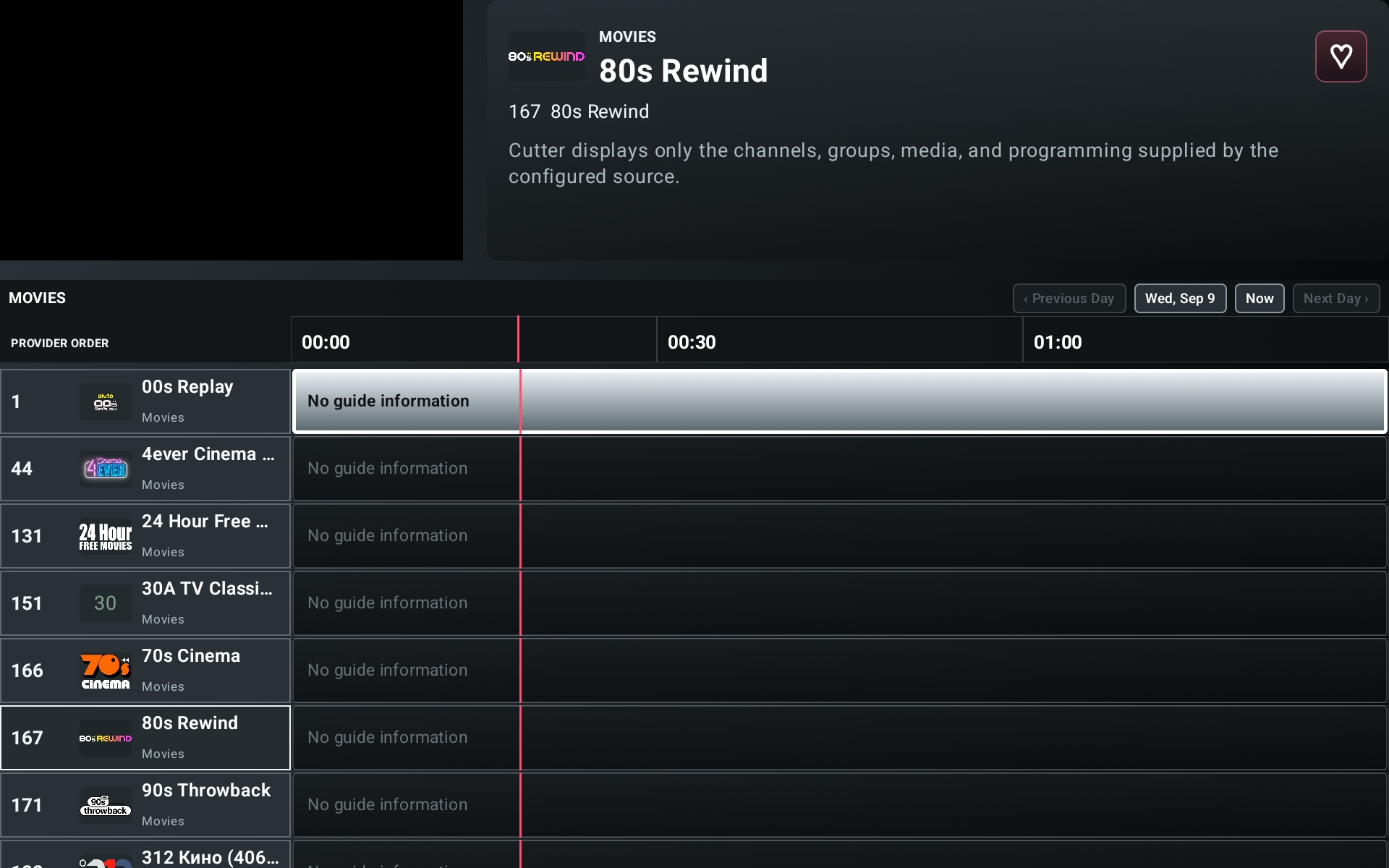
Browse provider categories, create and reorder Favorites, search channels, and see program information without losing the live preview.
More than one source
Add multiple playlists or providers. Supported IPTV setup options include Xtream Codes, M3U/M3U8, and Stalker Portal, with DLNA for your personal media.
Movies & shows, organized
Browse poster tiles, search and sort titles, explore season and episode rows, and revisit History. Resume or restart supported on-demand media.
Remote-first. Touch-aware.
Navigate with a D-pad, use channel and transport controls, and customize remote key bindings. Touch controls adapt the experience for Android tablets and phones.
Make it yours
Choose your interface colors, clean up channel names, adjust audio sync, and select available audio tracks or closed captions.
Less starting over
Return to the last-viewed channel, keep cached guide data available, refresh sources and guide data in the background, and back up your Cutter setup.
A few practical details
Storage: External or supported network storage is recommended for a substantial DVR library. Plan around 250 GB or more, with 1 TB preferred for a larger collection. That is library-planning advice, not a requirement for the short 30-second rewind buffer. DVR is opt-in by default on new phone and tablet setups.
Free and paid: Our planned release model is a basic free app with a one-time paid unlock. Adding Favorites, Timeslip, scheduled recordings, and reminders are planned paid features. Purchasing is not available on this site; final store availability and pricing will be announced separately.
Compatibility: We are focusing on Android TV, tablets, and phones. Provider connection limits, stream formats, Android background restrictions, and device capabilities still apply. Features and supported devices may change as testing continues.
Help us make it better.
We’re looking for a small group of Android testers willing to try real-world setups and share useful feedback.